
Everyone says AI is saving them hours. You tried it. Now you have more to manage, not less.
That’s usually not a tool problem. It’s about what you plugged the tool into.
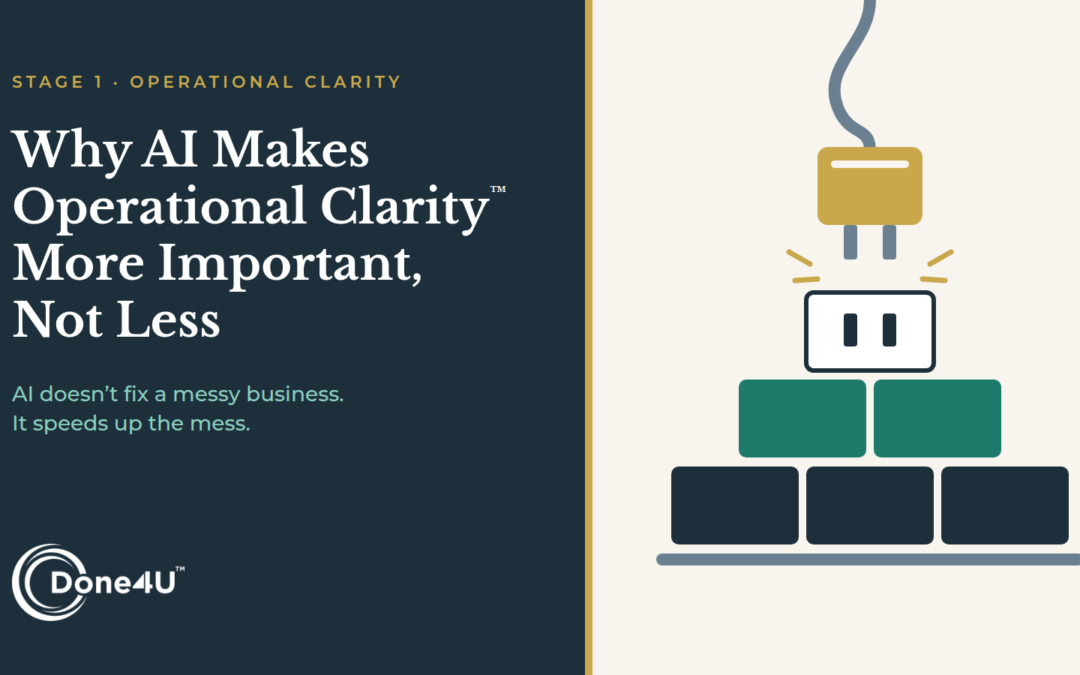
AI doesn’t fix how your business runs. It speeds up whatever is already there. Clear work gets faster. Messy work gets messier, faster.
| AI is not a solution. It’s an accelerant. And accelerants don’t care what they’re attached to. |
What Happens When You Add AI to a Messy Business?
Picture a high-performance engine bolted onto a cracked frame. The engine works exactly as designed. The speed just breaks the frame faster.
That’s AI in a business without operational structure. The tool performs. The workflow underneath can’t keep up. A few common versions:
- An AI scheduling tool, but no one owns the calendar. The tool books conflicts nobody resolves.
- An automated follow-up sequence, but the follow-up process was never defined. Messages go to the wrong people at the wrong time.
- AI-drafted SOPs, but the real workflow was never mapped. You get a clean document describing how things should work, not how they actually do.
In each case, the AI did its job. The structure wasn’t there to support it.
| Large companies are learning the same lesson. In BCG’s 2024 survey of 1,000 executives, 74% of companies had yet to see tangible value from AI. About 70% of their challenges came from people and process issues. Only 20% came from the technology. Source: BCG, October 2024 |
What Should You Ask Before Adding an AI Tool?
Most founders ask which tool to use. The better question is what you’re plugging it into. Before any AI tool goes in, answer three questions:
- Is the work documented, even roughly?
- Does someone own what happens before and after the tool acts?
- Do you know what “done” looks like without the tool telling you?
If you can answer yes, AI multiplies your capacity. If you can’t, it multiplies your complexity.
How Does Done4U Use AI With Clients?
I use AI across my client work. How I use it depends on the client.
For marketing clients, every workflow I’ve built is AI-assisted and repeatable by anyone on their team. They produce far more content than before, in a fraction of the time. The ones that write content stay on brand because they run on each client’s documented voice and the examples I feed them. The AI is only as on-brand as the voice it’s given.
On the operations side, I’m working with one client to build a company-wide AI strategy. I teach clients’ team members to use AI to save time on their own tasks. And I’m testing app-specific AI tools that need human work up front and only oversight after.
Here’s what that looks like in practice.
I met with a client to build the quarterly plan. In the time a planning session usually takes with the entire team, we finished the plan plus eight work products to go with it. An action plan was also built to keep items from falling off.
AI didn’t know this client. I did. I came in knowing her business and her goals. That knowledge is what turned a fast session into a useful one.
| AI doesn’t create operational clarity. It rewards it. |
Where Should AI Stop?
I never use AI without reviewing what it produces. I carry client knowledge AI doesn’t have. And AI can hand you answers that don’t fit the brand or the decision in front of you.
Review and refinement has to be done. Period.
There are also places I don’t use it at all, bookkeeping, for example.
The rule is simple: AI drafts, and a person owns the result.
Is Your Business Ready for AI?
Run through this honestly.
| Not Ready for AI | Ready for AI |
| You would paste a messy process into AI and hope it sorts it out | You can say what goes in, what should come out, and who checks it |
| Your brand voice lives in your head | Your voice, tone, and examples are written down for AI to work from |
| No one owns the output once AI produces it | Someone reviews, refines, and approves every AI output |
| Plans get made, then items fall off | Every plan turns into owned tasks with dates |
| You want AI to make the decisions | You want AI to speed up the work so you can make better decisions |
If you’re mostly in the left column, you don’t have an AI problem. You have a structure problem, and AI will make it more visible.
That’s where the Operations Ascension Ladder™ starts. AI pays off once you can see where work depends on you (Stage 1, Operational Clarity). It multiplies once your workflows are documented (Stage 2).
Frequently Asked Questions
Is my small business ready for AI?
Yes, if you can describe the work you want AI to help with: what goes in, what should come out, and who checks it. If you can’t, start by mapping that work. AI will make it faster once it’s clear.
Can AI write my SOPs?
It can draft them fast. It can’t tell you what the standard should be or who owns the process. Map how the work actually happens first, then use AI to clean up the writing. Here’s what to document first.
Should I use AI instead of hiring a VA?
Not instead of. AI speeds up tasks. Someone still has to own them, review the output, and catch what AI misses. AI works best when it makes your people faster, not when it replaces the person responsible.
What should I never hand to AI?
Final decisions, client-facing work no one has reviewed, and anything that depends on knowledge only you or your team have. At Done4U, every AI output gets reviewed and refined before it goes anywhere.
The Bottom Line
AI isn’t the advantage. Operational maturity is.
The businesses that win with AI built a foundation that can absorb what it delivers. The ones that struggle added speed to a system that wasn’t ready.
So before your next tool, don’t ask which one to use. Ask what you’re plugging it into.
| Not sure what you’d be plugging AI into? Take the Operations Ascension Ladder™ Assessment. It shows where your business stands and what to build first. → Take the Assessment |